ACA CLUB Digital Membership Card
Your membership card, always with you Keep your ACA CLUB membership card on your mobile phone with Apple Wallet or Google Wallet. It's free, secure and always within easy reach, without the need to carry your physical card.
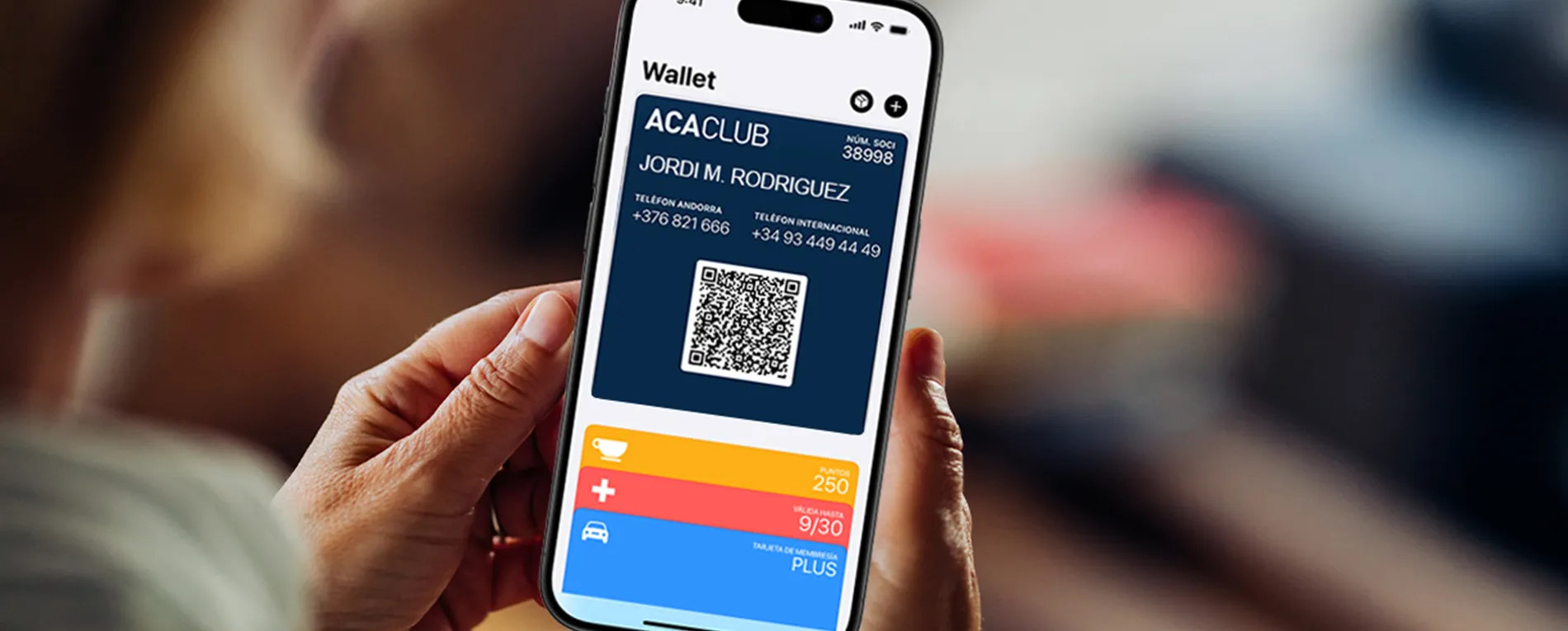
How to get your digital membership card
You only need to do it once.
Activate your Private Area
Go to aca.ad/socis and enter:
- Your membership number.
- Your date of birth.
You will receive a link by email or, if we don't have an email address on file, by SMS.
Create your password
Open the link you received and create a password.
Your Private Area will then be activated.
Sign in
Access your Private Area again using:
- Your membership number.
- The password you have just created.
For security reasons, you will receive an OTP verification code by SMS, which you must enter to complete the sign-in process.
Add your membership card to your Wallet
This final step must be completed on your mobile phone.
Once you are in your Private Area:
- Select "Add membership card to Wallet".
- If you use an iPhone, it will be added to Apple Wallet.
- If you use an Android device, it will be added to Google Wallet.
Your digital membership card will then be ready whenever you need it.
DOWNLOAD YOUR DIGITAL MEMBERSHIP CARD
Frequently Asked Questions
No. It is a completely free service for ACA CLUB members.
Yes. You must have Apple Wallet (iPhone) or Google Wallet (Android) installed on your device.
Yes. You can activate your Private Area from a computer, tablet or mobile phone.
However, the final step—adding your membership card to your Wallet—must be completed from your mobile phone.
Yes. To protect your account, every sign-in requires an OTP verification code sent to you by SMS.
Once your digital membership card has been added to your Wallet, it will always be available on your phone, ready whenever you need it.
Please check that the email address or mobile phone number we have on file is correct.
If you continue to experience problems, contact ACA CLUB:
- Phone: (+376) 803 400
- Email: aca@aca.ad
- In-person assistance: Monday to Friday, from 9:00 a.m. to 6:00 p.m.
The digital membership card identifies you as an ACA CLUB member and allows you to prove your membership whenever necessary.
With your digital membership card you can:
- Identify yourself as an ACA CLUB member.
- Keep ACA assistance phone numbers close at hand, so you can contact us quickly whenever you need help.
- Identify yourself at businesses participating in the ACA Discounts programme to enjoy exclusive member benefits and discounts.
At present, the QR code is used solely to verify that the membership card is genuine and has been issued by ACA CLUB.
No problem. You can request one at any time by contacting ACA CLUB.